
Model Typed Navigation Routes in SwiftUI
Model Typed Navigation Routes in SwiftUI
A library can open a book, enter a chapter, or show help. Represent those destinations as typed values instead of magic strings, and make the current route sequence inspectable as a path.
You will learn: Define a Hashable route enum; append and clear a homogeneous route path; register destinations in the stack hierarchy; separate route identity from full model storage.
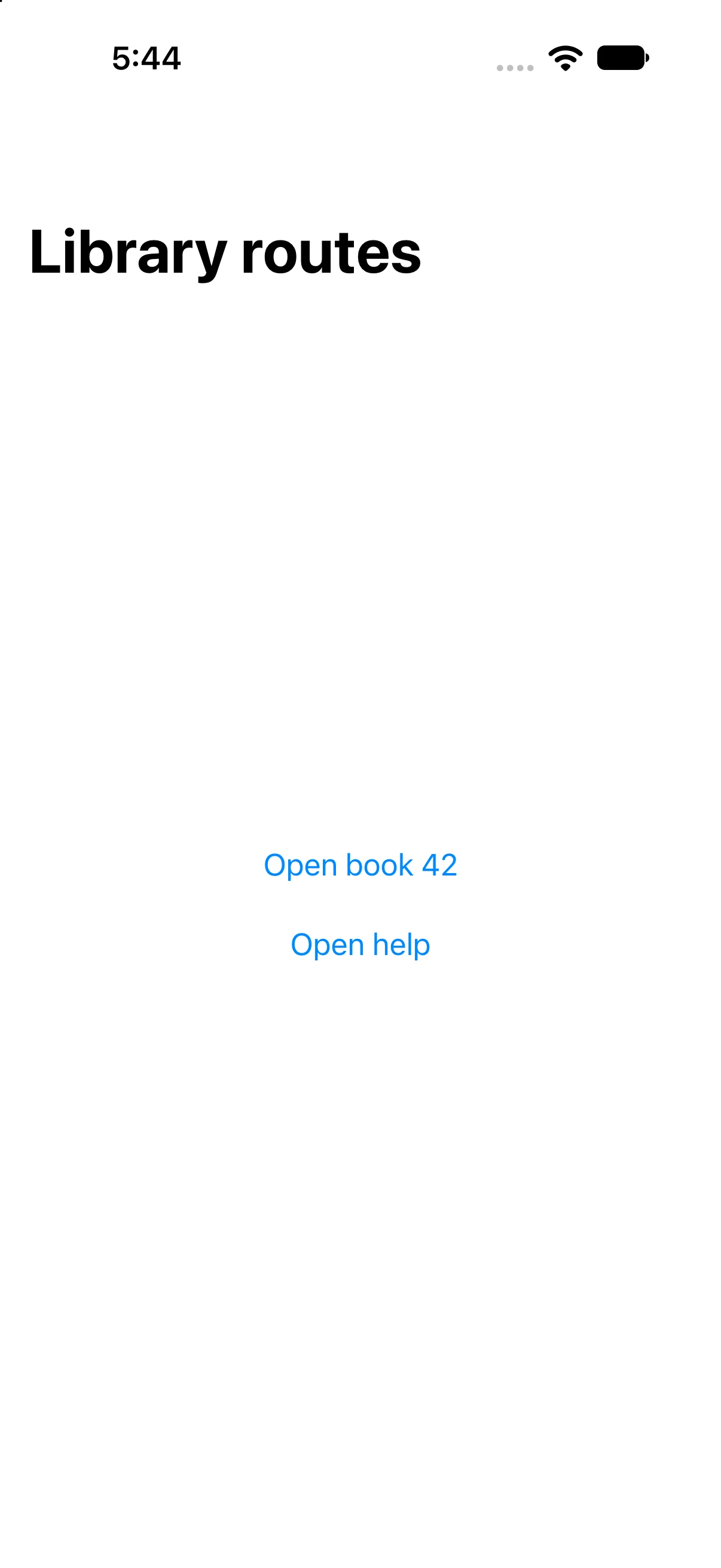
Prerequisites: the earlier SwiftUI Foundations lessons and Swift values/closures. These projects use the installed iOS SDK and local in-memory fixtures. They do not modify personal data or contact a server. The screenshot shows the initial screen before the interaction sequence.
Describe destinations as data
LibraryRoute has book(Int), chapter(bookID:number:) and help cases. Associated values carry the small identifiers needed by the destination. Hashable conformance lets the values participate in value-based navigation.
enum LibraryRoute: Hashable {
    case book(Int)
    case chapter(bookID: Int, number: Int)
    case help
}
@State private var path: [LibraryRoute] = []
A route is not a database record. Passing compact stable identifiers avoids treating a large copied model as navigation identity. A production destination must resolve those IDs and handle a missing or inaccessible record; this fixture displays them directly to isolate navigation.
Register how each route becomes a view
NavigationStack(path: $path) binds the presented route sequence. navigationDestination(for:) maps a LibraryRoute to a destination. Keep that registration in the stack’s active hierarchy rather than hiding it inside a lazily created row.
.navigationDestination(for: LibraryRoute.self) { route in
    switch route {
    case .book(let id): /* book screen */ Text("Book ID: \(id)")
    case .chapter(let id, let number): Text("Book \(id), chapter \(number)")
    case .help: Text("Choose a book to start reading.")
    }
}
This is a shortened destination mapping; the complete built file below includes the actual controls. Exhaustive switching makes a newly added route a deliberate implementation task rather than an unhandled string branch.
Append a destination or return to the root
Open book 42 appends .book(42). Read chapter appends .chapter(bookID:42, number:1), so the path contains two values. The chapter’s Back to library button removes all values and reveals the root.
path.append(.book(42))
path.append(.chapter(bookID: 42, number: 1))
path.removeAll()
These statements illustrate the sequence; they do not all run at once in the app. System back navigation removes the last destination, while removeAll expresses a different action: return to root. Validate preconditions before manually removing a last element from a potentially empty array.
Keep deep links and restoration explicit
An explicit path is a foundation for programmatic navigation, but this example is not a complete deep-link parser or restoration system. External URLs must be parsed, validated and authorized before producing routes. A typed Int can still identify an invalid or forbidden record.
Use a homogeneous [Route] when one enum naturally describes the flow. NavigationPath offers a type-erased option for mixed Hashable values, with different tradeoffs. Do not introduce it merely because a simple enum path looks too short.
Build the complete example
Download the LibraryRoutes Xcode project. Open LibraryRoutes.xcodeproj, select an installed compatible iPhone simulator, and run. The app entry point already presents ContentView. The complete ContentView.swift below is the exact built source; earlier snippets are explanatory excerpts.
import SwiftUI

struct ContentView: View {
@State private var path: [LibraryRoute] = []
 var body: some View {
NavigationStack(path: $path) {
 VStack(spacing: 24) {
  Button("Open book 42") { path.append(.book(42)) }.accessibilityIdentifier("openBook")
  NavigationLink("Open help", value: LibraryRoute.help)
 }.navigationTitle("Library routes")
 .navigationDestination(for: LibraryRoute.self) { route in
  switch route {
  case .book(let id):
   VStack(spacing: 20) {
    Text("Book ID: \(id)").font(.title)
    Button("Read chapter") { path.append(.chapter(bookID: id, number: 1)) }.accessibilityIdentifier("readChapter")
   }.navigationTitle("Book")
  case .chapter(let bookID, let number):
   VStack(spacing: 20) {
    Text("Book \(bookID), chapter \(number)")
    Button("Back to library") { path.removeAll() }.accessibilityIdentifier("libraryRoot")
   }.navigationTitle("Chapter")
  case .help: Text("Choose a book to start reading.").navigationTitle("Help")
  }
 }
}
 }
}

enum LibraryRoute: Hashable { case book(Int), chapter(bookID: Int, number: Int), help }

#Preview { ContentView() }
Accessibility identifiers in the file provide stable names for local automation; they are not visible menu labels. #Preview is an editor convenience. The following screenshots come from the launched app after actual automated control interactions.
Push a typed book route
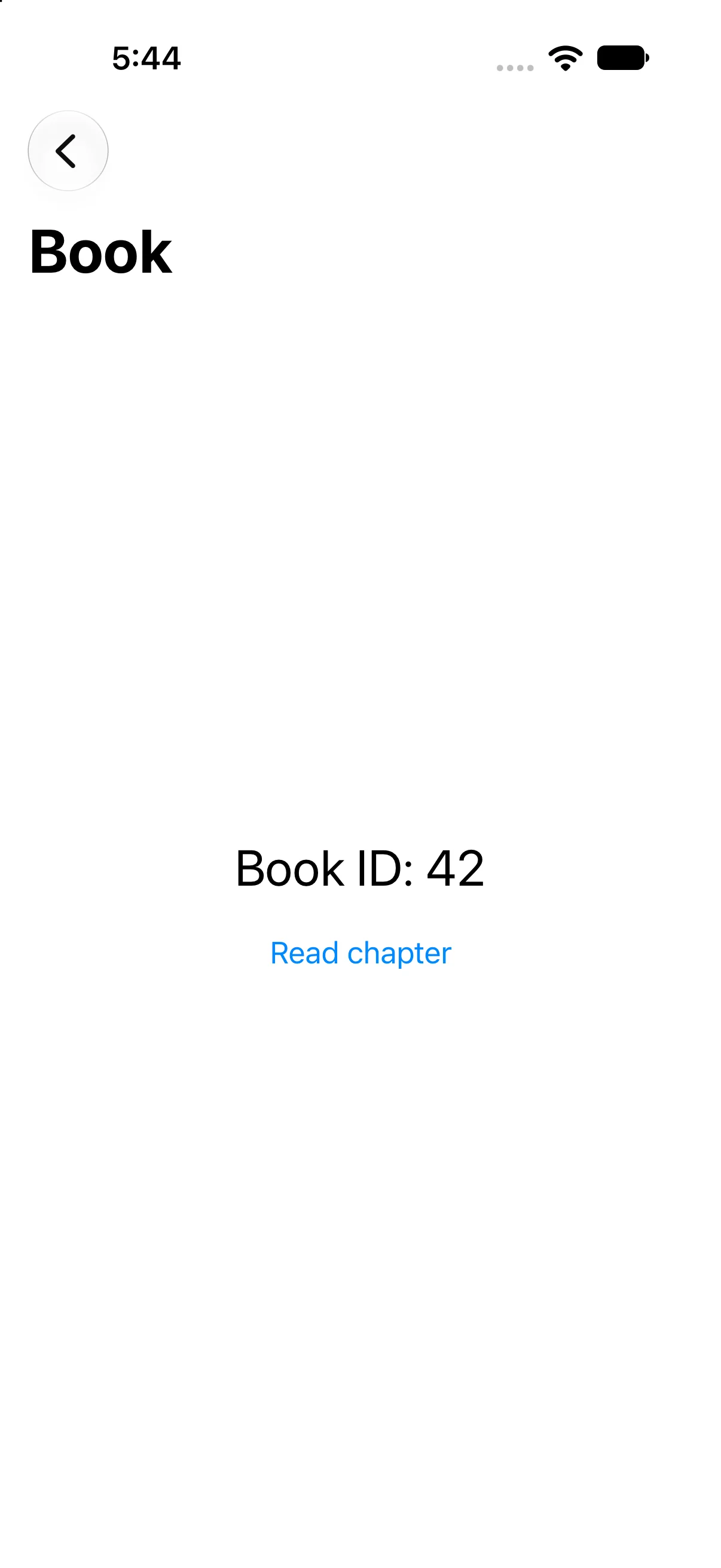
Press Open book 42. The destination shows Book ID: 42 and Read chapter. The route carries 42 into the mapping; the title alone would not prove that value survived.
Append a second route
Press Read chapter. The next destination displays Book 42, chapter 1. This is a second pushed route, so a normal back action could return to the book.

Clear the path to return home
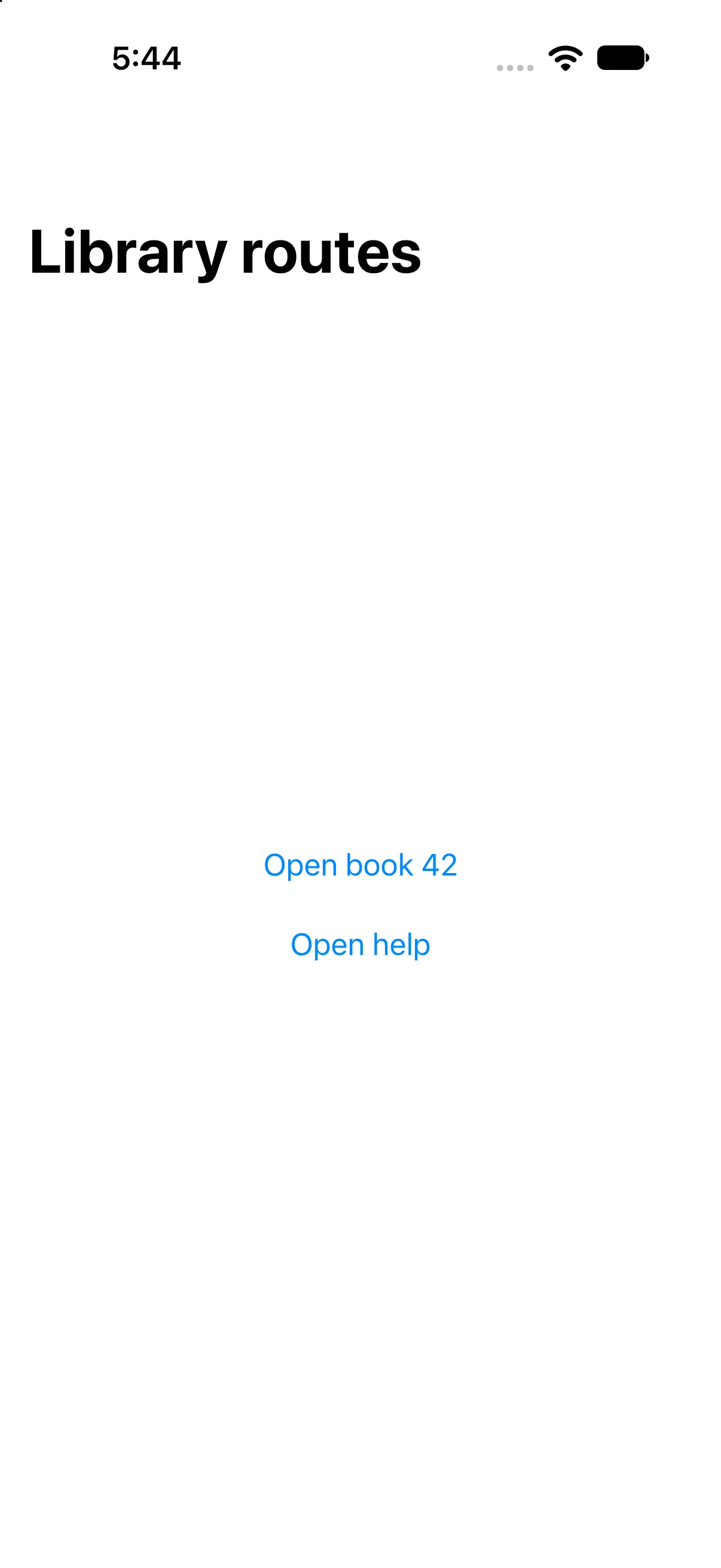
Press Back to library. Clearing the path removes both destinations and restores the root choices. The automation checks the visible root after that programmatic mutation.
Check a failure at the right boundary
If your output differs, compare the current input values and the relevant action before changing project settings. Save the complete source, confirm the selected scheme and destination, and inspect the first build diagnostic if compilation fails. A successful build establishes valid source; the action-result checks establish the particular UI transitions shown here.
Practice variations below are proposed changes, not additional captured states. Keep input validation, state ownership and presentation decisions explicit as you extend the project.
Try a new case and explain the result
Add an author(Int) route and a root control for author 7. Explain what must change besides the enum.
Worked answer
Add a switch branch that produces the author destination and a value-based link or append action carrying 7. The compiler requires the switch to remain exhaustive. If the author comes from an external URL, validate and resolve the identifier separately.
Check your understanding
Choose the explanation that follows from the worked example.
What to take forward
You navigated with typed destination data, inspected a two-step path and cleared it deliberately. Next, present a separate editing task with sheets and alerts.
Reaching the recap and completing the quizzes are separate milestones.