
Introduction to Python: understand and try your first instructions
What is Python, and what can you ask it to do?
Imagine a school wants to display a welcome message on a screen. Someone must tell the computer exactly what to display. Python is a programming language: a way to write instructions that software can run. A program is a set of those instructions written for a task.
Python instructions are readable text, but they still follow precise rules. The computer does not guess what you intended from ordinary English. In this lesson, we will follow a tiny school-message program, change its result and learn what happens between writing code and seeing output. No programming knowledge or installation is required to follow the lesson.
One instruction, one visible result
Python 3 code you write
print("Welcome to school!")↓ The Python interpreter runs the instruction
Text shown in the output area
Welcome to school!What you’ll learn
- Explain the difference between Python, a Python program and the software that runs it.
- Follow a two-line school-message program and predict the text it displays.
- Change the quoted message while preserving the code’s basic structure.
- Recognize common beginner mistakes and describe practical uses and limits of Python.
How does written code become a result?
A code editor is where you write program text. The Python interpreter is the software that runs Python code. A computer needs that software, or a service that provides it, to execute the instructions. Saving text in a file does not by itself run it.
From the editor to the output area
Code editor
You write the school program as text.
message = "Welcome to school!"
print(message)Run the program
Python interpreter
The first instruction gives the text the name message. The second asks print to display that text.
messageWelcome to school!After assignment, the name exists but no welcome text has been displayed yet.
The print call sends text to output
Output area
Welcome to school!This is the result of the print call, not another instruction to run.
In a simple script like our example, the first instruction finishes before the next begins. Python reads the rules of the language rather than interpreting the text as a human would. Larger programs can repeat instructions, make decisions and call other parts of a program; you will learn those behaviors gradually.
You may hear Python called an “interpreted language”. That describes how people commonly use it, not a promise that its internals never compile anything. For this first lesson, the useful distinction is straightforward: the code is what you write, the interpreter executes it, and output is what the program displays.
Follow two instructions through to the school message
Our school message can be written in two steps. First, give the text a name, message. Second, ask print to display the text referred to by that name. The player below shows a guided execution of this fixed example; it is not a general editor for running arbitrary code.
Before revealing the output, predict the message. Then step through both lines and watch when output first appears. Choose another sample to compare the result. The sample changes the text in the program; it does not ask someone for input while the program runs.
Choose a sample and follow its execution. Guided simulation.
message = 'Welcome to school!'
print(message)Top-level scope
'Welcome to school!'The example has finished. Compare the final output with the values and references above.
Welcome to school!
What do you expect this program to print?
Read the two lines without guessing what the symbols mean
Here is the school program again, so you can inspect the exact code while reading its explanation.
Python 3 · school-message example
message = "Welcome to school!"
print(message)
"Welcome to school!" is a string, Python’s term for a text value. Matching quote marks show where the text starts and ends. You can use matching single quotes for this simple text too. The quote marks belong to the code, not the message that appears on screen.
message = ... is an assignment: it gives the text the name message so the program can refer to it. The equals sign here does not ask whether two things are equal. We will explore names and values in the variables lesson.
print(message) calls a built-in instruction for displaying a value. The parentheses contain what to display. Without quotes around message, Python looks up that name and uses its text. print("message") instead displays the literal word message.
Expected output
Welcome to school!For this two-line program, assignment produces no visible output; the print call does. Nothing is sent to a paper printer by this example. The Python print documentation describes the built-in function.
Practice: welcome a different class
Your task: Change this program so it displays Welcome to Class 7!. Keep the name message and the print instruction. Which part needs to change?
message = "Welcome to school!"
print(message)
Worked answer
Replace only the text between the matching quotes. The name still refers to the assigned text, so the same print call displays the new message.
message = "Welcome to Class 7!"
print(message)
Expected output
Welcome to Class 7!If you changed only the welcome text, you have made a small, controlled variation: the program’s structure stays the same while its result changes. That is a useful way to learn. Change one thing, predict the effect, run it and compare the result with your prediction.
Two mistakes that change what Python sees
Consider this complete alternative program:
message = "Welcome to school!"
print("message")
It runs, but displays message rather than the welcome text. Quotes mean “use this literal text”. Removing the quotes in print(message) tells Python to use the value referred to by the name. An unexpected result does not always produce an error.
Now compare this version:
message = "Welcome to school!"
print(Message)
This raises a NameError: the program defined message with a lowercase m, but tried to use Message with an uppercase M. Python names are case-sensitive. Use the same spelling and capitalization when referring to a name.
Missing or mismatched quote marks can instead prevent the code from being parsed and produce a SyntaxError. Read the highlighted line and check matching quotes and parentheses before changing several things at once. Exact error wording can differ across Python versions.
What could this grow into beyond a welcome message?
A displayed message is deliberately small, but the same idea—write precise instructions and check their results—extends to larger tasks. A school might process attendance records, calculate totals or create a report. A personal script might rename files or organize a collection of photos.
Python is also used for website backends, data analysis, machine learning and games. A library is reusable code that helps with a task, such as creating charts, handling web requests or controlling supported hardware. You do not need to build every feature from scratch, but you still need to understand the instructions you use.
Our welcome example does not yet create a website, read a spreadsheet or control a robot. Those applications require additional code, libraries and sometimes a connected service or device. Python is useful across many tasks; it is not automatically the best choice for every platform or performance requirement.
Why start with Python?
Python lets you try small programs with little setup and see a result quickly. Many everyday operations have readable syntax, and the standard library provides reusable tools. Python is free and open source, with documentation and a broad ecosystem of additional libraries.
Readable code does not mean that learning takes no practice. You still need to learn exact syntax, break a problem into steps and test your assumptions. As programs grow, choices about data, errors and organization become more important. We will introduce those ideas through examples rather than ask you to memorize a list of features now.
The official tutorial’s introduction describes practical reasons to use Python, including automating repeated work. Your first goal is simpler: understand one program well enough to explain and modify it.
Who created Python, and why that name?
Guido van Rossum began developing Python during the Christmas holidays of 1989 and publicly released it in February 1991. His aim included a language that was useful for programming tasks, readable and extensible, meaning it could be expanded with additional capabilities.
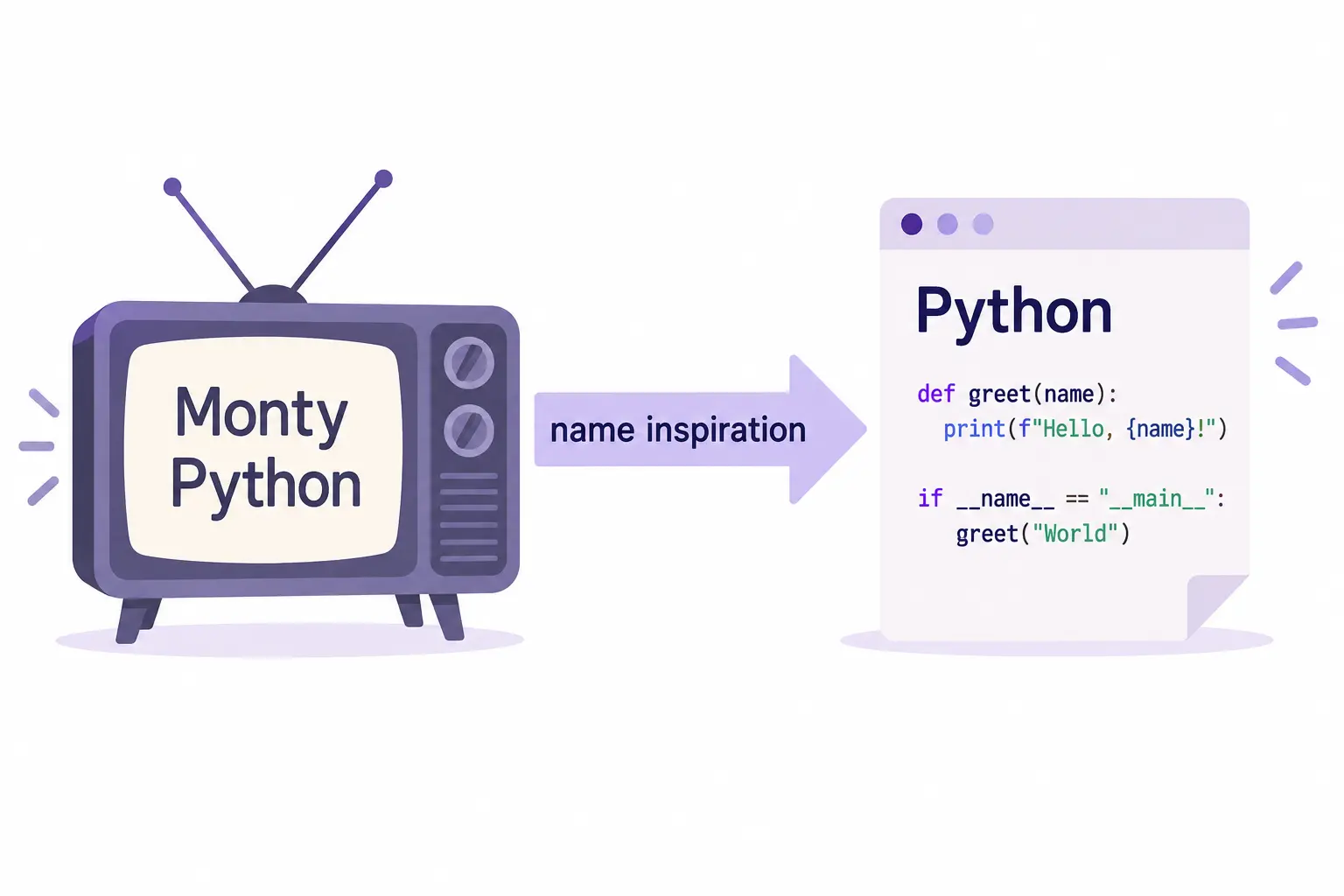
The name came from the comedy show Monty Python’s Flying Circus, not from the snake. That origin explains the name; it has no effect on the instructions a Python program follows. The Python FAQ records the early development and the reason for the name.
A name inspired by comedy
Use Python 3 and choose a place to run your code
This course uses Python 3. You do not need to memorize the newest release number to learn these examples. Python 2 is an older, unsupported version, so choose a supported Python 3 release for a new setup. The official downloads page lists current releases.
You can try the code in the Python online compiler without installing Python locally. It provides an editor, runs the submitted program on the service and shows output. That is different from this lesson’s guided player, which follows prepared example executions.
If you install Python on your computer, you can write a script in a file ending in .py and run it with the installed interpreter. The editor and interpreter have different jobs: writing a file is not the same as running it. In the Hello World lesson, you will focus on writing and running a small program yourself.
Check what Python is
Check a name versus literal text
message = "Welcome to school!"
print("message")Check when output appears
message = "Welcome to school!"
print(message)Keep the language, program and result distinct
Python is a language for writing precise instructions. A program contains those instructions, an interpreter executes them and output is what the program displays. Our school example gives a welcome string the name message, then uses print(message) to show that text.
- Quotes: identify literal text; they are not part of the welcome message displayed by print.
- Names: refer to assigned values and must use consistent spelling and capitalization.
- Practice: change one part, predict the result, run the program and compare.
- Scope: Python can support much larger tasks, but this example is only a small text-output program.
You are ready to write a simple program yourself if you can explain both lines, change the welcome text and recognize why print("message") gives a different result.
Reaching the recap and completing the quizzes are separate milestones.